Online Mouse Tester
Test all your mouse buttons, scroll wheel, and side buttons
Side Buttons
Press your mouse side buttons to detect them
No side buttons detected
Press any side button to test
Stats
Click anywhere in this area to test your mouse buttons
How to Use the Mouse Tester
Our free mouse tester helps you verify all your mouse buttons are working properly. Simply click in the test area to check each button:
- Stone indicates untested buttons
- Oxblood shows currently pressed buttons
- Green confirms successfully tested buttons
Supported Mouse Buttons
- •Left, right, and middle mouse buttons
- •Scroll wheel up and down
- •Side buttons (Back, Forward, and additional buttons)
- •Gaming mice with up to 12+ side buttons
- •Click count tracking for each button
What to Check During Testing
While using the mouse tester, watch for these common issues:
- •Buttons that don't register clicks
- •Double-clicking issues (one click registers as two)
- •Scroll wheel skipping or not registering
- •Side buttons not working or swapped
Why Test Your Mouse?
Regular mouse testing helps you:
- •Identify failing switches before they break completely
- •Verify new mice work correctly out of the box
- •Check that all buttons are properly mapped
- •Diagnose issues for warranty claims
Also Check Your Keyboard
Want to make sure your entire setup is working perfectly? Use our keyboard tester to check all your keys too.
Test Your KeyboardHelpful Guides
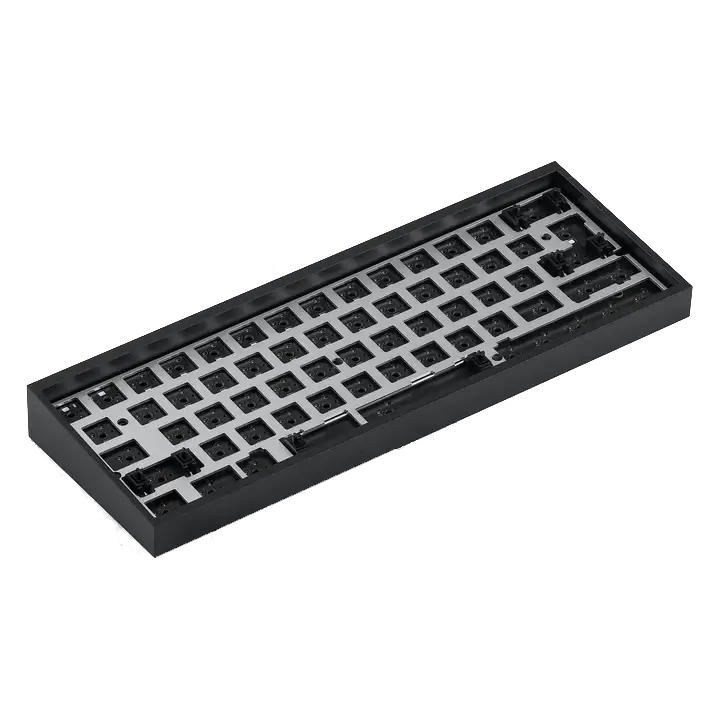
Choose your keyboard size
Compare full-size, TKL, 75%, 65%, and 60% keyboards by the keys you use, then check layout and keycap compatibility before buying.
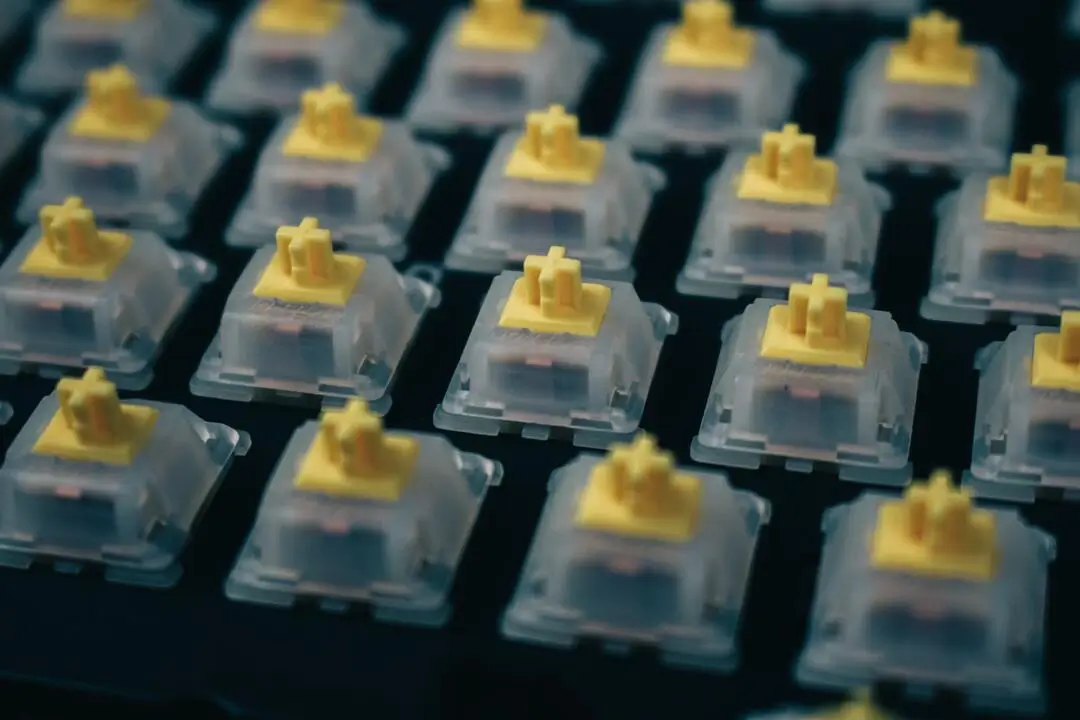
Choose the right switches
Choose linear, tactile, or clicky keyboard switches by feel, force, sound, and fit—without relying on color names or marketing labels.
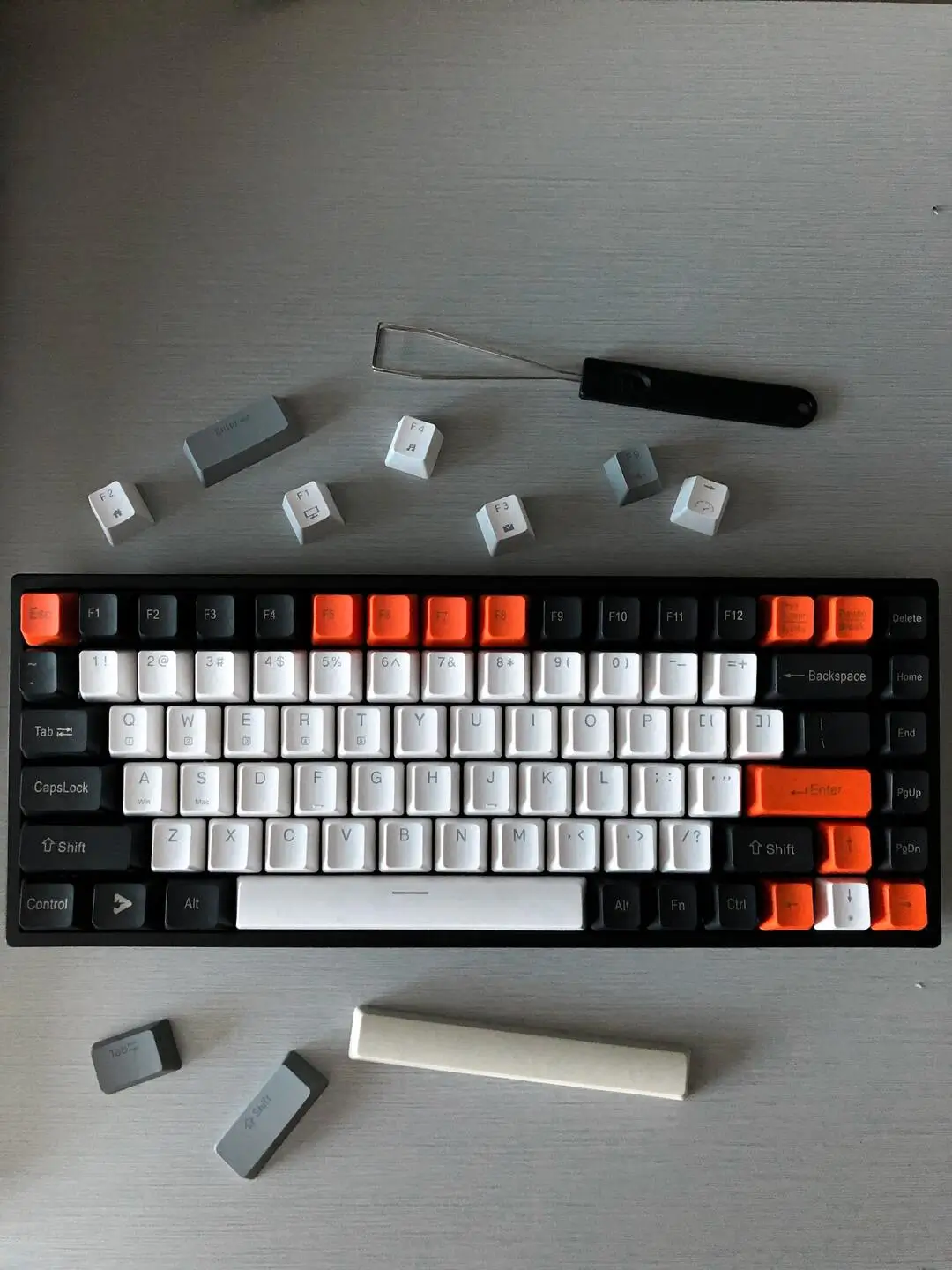
Choose compatible keycaps
Check keycap stem, layout coverage, key sizes, profile, material, and legends in the right order before buying a set.