Keyboard Layout Comparison Tool
Compare different keyboard sizes to find the perfect layout for your needs
60%
- Not pressed yet
- Held now
- Works
- Browser can’t see it
Layout Information
Common Layouts
- 60%: Compact layout without function row, navigation cluster, or numpad
- 65%: Similar to 60% but includes arrow keys and some navigation keys
- 75%: Includes function row and navigation keys in a compact layout
- TKL (Tenkeyless): Full keyboard without numpad
- 100%: Full keyboard with all standard keys
Choosing Your Size
- Consider your desk space and ergonomics
- Think about which keys you use frequently
- Factor in your use case (gaming, programming, etc.)
- Remember that smaller layouts use function layers for missing keys
Ready to Choose Your Layout?
Once you've found your perfect layout, explore our selection of keyboard kits:
- Browse keyboard kits in your preferred size
- Compare different switch options
- Find compatible keycap sets
- Plan your build with our keyboard builder
Start your custom keyboard journey with our keyboard kits or check out our guides below.
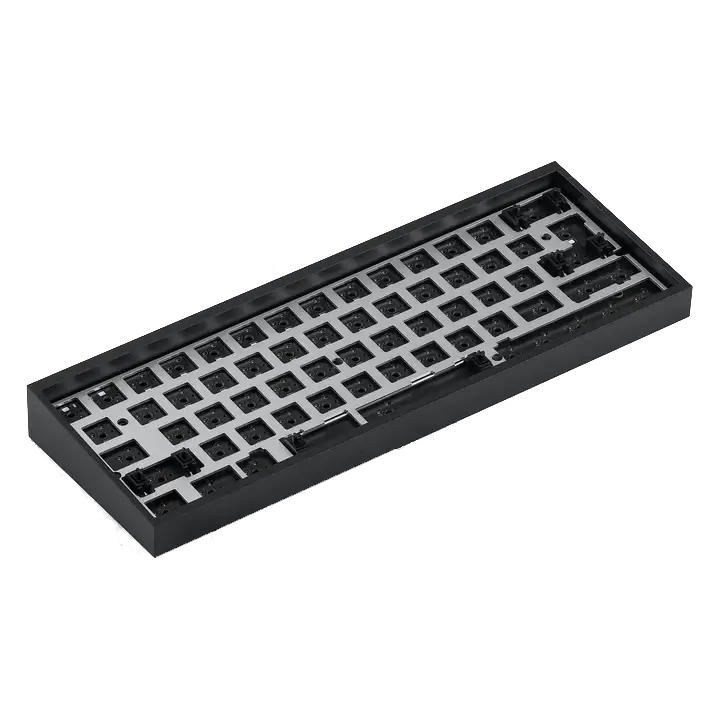
Choose your keyboard size
Compare full-size, TKL, 75%, 65%, and 60% keyboards by the keys you use, then check layout and keycap compatibility before buying.

Choose the right switches
Choose linear, tactile, or clicky keyboard switches by feel, force, sound, and fit—without relying on color names or marketing labels.
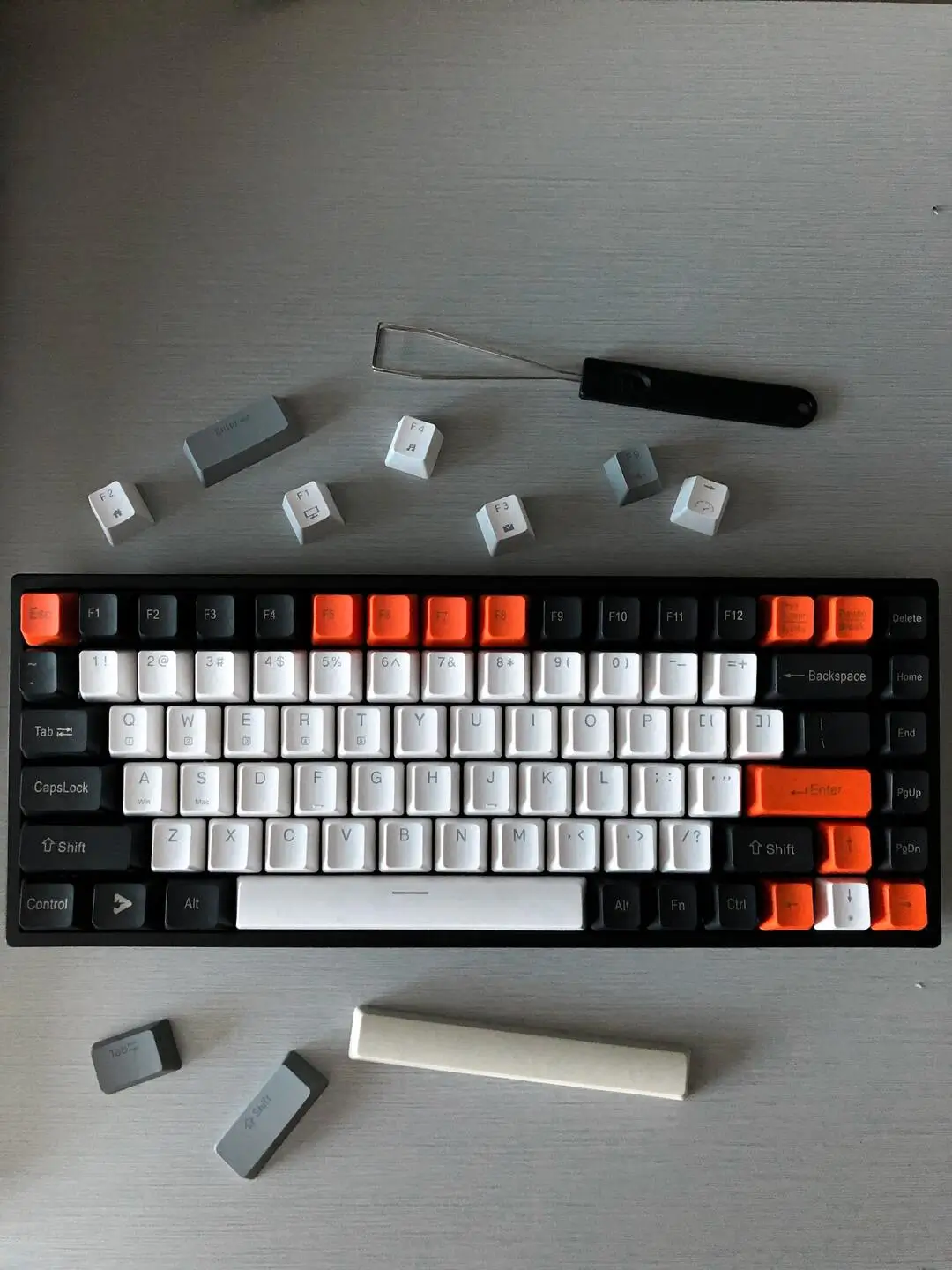
Choose compatible keycaps
Check keycap stem, layout coverage, key sizes, profile, material, and legends in the right order before buying a set.