Keyboard tester
Press any key. Working keys turn green.
0 of 104 keys, 0 at once, No chatter
- Not pressed yet
- Held now
- Works
- Chatter
- Browser can’t see it
How chatter detection and greyed-out keys work
A key is flagged for chatter when it sends a second press less than 50 ms after the first. Even fast deliberate tapping leaves about 100 ms between presses, so a repeat that quick comes from the switch, not your finger. Holding a key down (auto-repeat) is never counted.
Dashed keys such as Fn never reach a browser: the keyboard or the operating system handles them. They don’t count towards your total. Test Fn by holding it with another key. Some volume and brightness keys are handled the same way. Browser shortcuts such as Ctrl+W are left alone, so you can’t close this tab by accident.
Press every key to get your result
When every key is green you’ll get a result here. Already know what’s wrong? Skip ahead.
What this keyboard checker catches
Dead keys
Every key that registers turns green, and the counter shows how many are left. Keys that stay grey after you press them didn’t reach the computer.
Chatter (double typing)
A key that sends two presses within 50 ms turns yellow. That’s too fast for a human, so it points to a worn or dirty switch.
Ghosting and rollover
Hold several keys at once. The “at once” count shows how many your keyboard registers together. Many boards stop at 6; N-key rollover boards register them all.
Keys a browser can’t see
Fn and some media keys are handled by the keyboard or the operating system, so they’re shown dashed and not counted. Media keys that do arrive are listed under “Also detected”.
Keyboard tester FAQ
Some keys don’t register. Is my keyboard broken?
Rule out the setup first. Try another USB port or cable, charge or re-pair a wireless board, check any Windows/Mac mode switch, and try another computer. If a key still doesn’t register on a hot-swap board, swap its switch with one from a key you rarely use. If the fault moves with the switch, replace the switch. If it stays in place, the socket or circuit board is at fault. On soldered boards and laptops, clean under the keycap first. A key that stays dead usually means a repair or a new keyboard.
What is key chatter, and how does this tester detect it?
Chatter is when one press types a letter twice. It usually comes from a worn or dirty switch, or firmware that doesn’t filter contact bounce. The tester flags a key when a second press arrives less than 50 ms after the first. Even fast deliberate tapping leaves about 100 ms between presses, so anything quicker is the switch, not you. Holding a key down (auto-repeat) never counts as chatter, and you can change the threshold to 30 or 80 ms.
How do I test for ghosting or key rollover?
Hold several keys at once, such as A, S, D, F plus J, K, L. The “at once” count above the keyboard shows the highest number registered together. Many USB keyboards handle 6 keys plus modifiers (6KRO), while N-key rollover boards register every key. If a key you’re holding doesn’t light up, the keyboard is blocking that combination. If a key you didn’t press lights up, that’s ghosting.
Why doesn’t my Fn key light up?
Fn is handled inside the keyboard. It switches the keyboard to another layer and is never sent to the computer, so no browser-based tester can see it. Test it by holding Fn and pressing a key on that layer, for example Fn + 1 for F1. The key it sends should light up here.
Why do volume, brightness or Print Screen keys behave differently?
Media and brightness keys are often handled by the operating system before the browser sees them, so some may never light up. When they do reach the browser, they appear under “Also detected”. On Windows, Print Screen only reports its release, and the tester counts that. Browser shortcuts such as Ctrl+W are never blocked, so you can’t lose this tab by accident.
Does it work with Mac, laptop and wireless keyboards?
Yes. The tester runs in any modern browser on Windows, macOS, Linux or ChromeOS, with wired, Bluetooth or 2.4 GHz keyboards. Use the Mac layout to see Command and Option keys. Nothing is installed.
Is anything I type sent anywhere?
No. Key presses are processed in your browser and never leave your device. KBD Lab records only anonymous usage events, such as that a test started, and never which keys you pressed.
Helpful guides
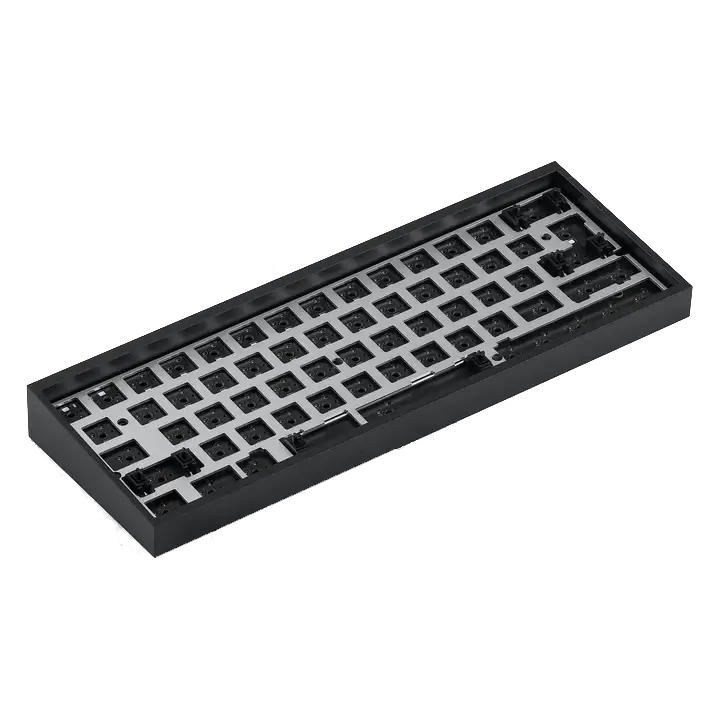
Choose your keyboard size
Compare full-size, TKL, 75%, 65%, and 60% keyboards by the keys you use, then check layout and keycap compatibility before buying.
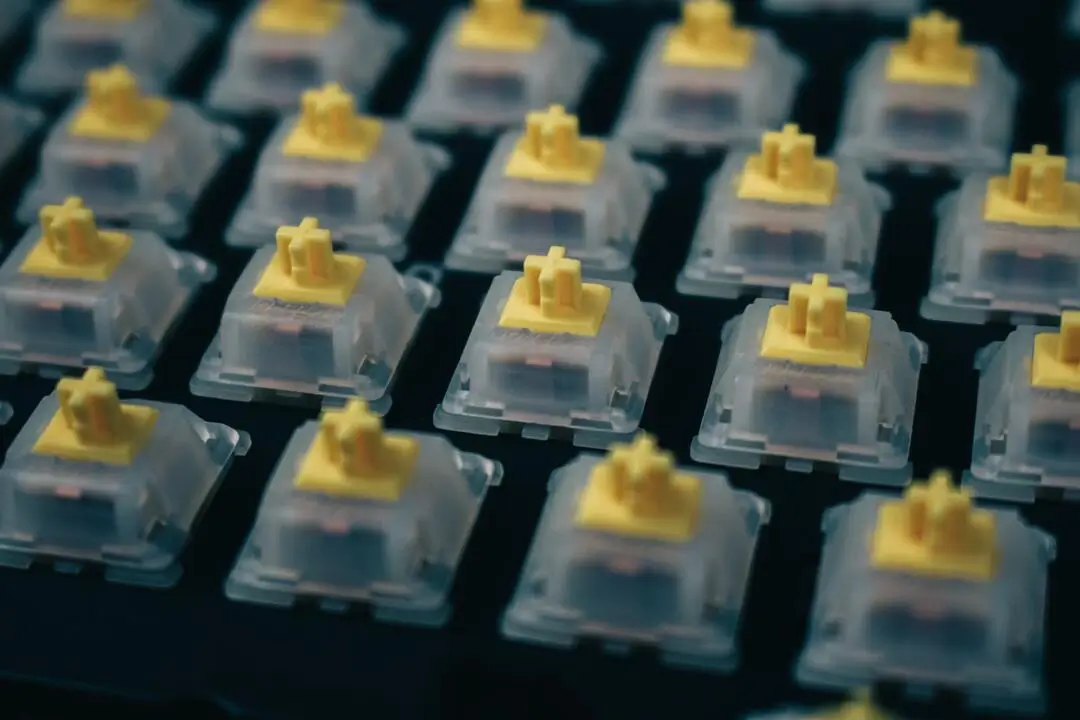
Choose the right switches
Choose linear, tactile, or clicky keyboard switches by feel, force, sound, and fit—without relying on color names or marketing labels.
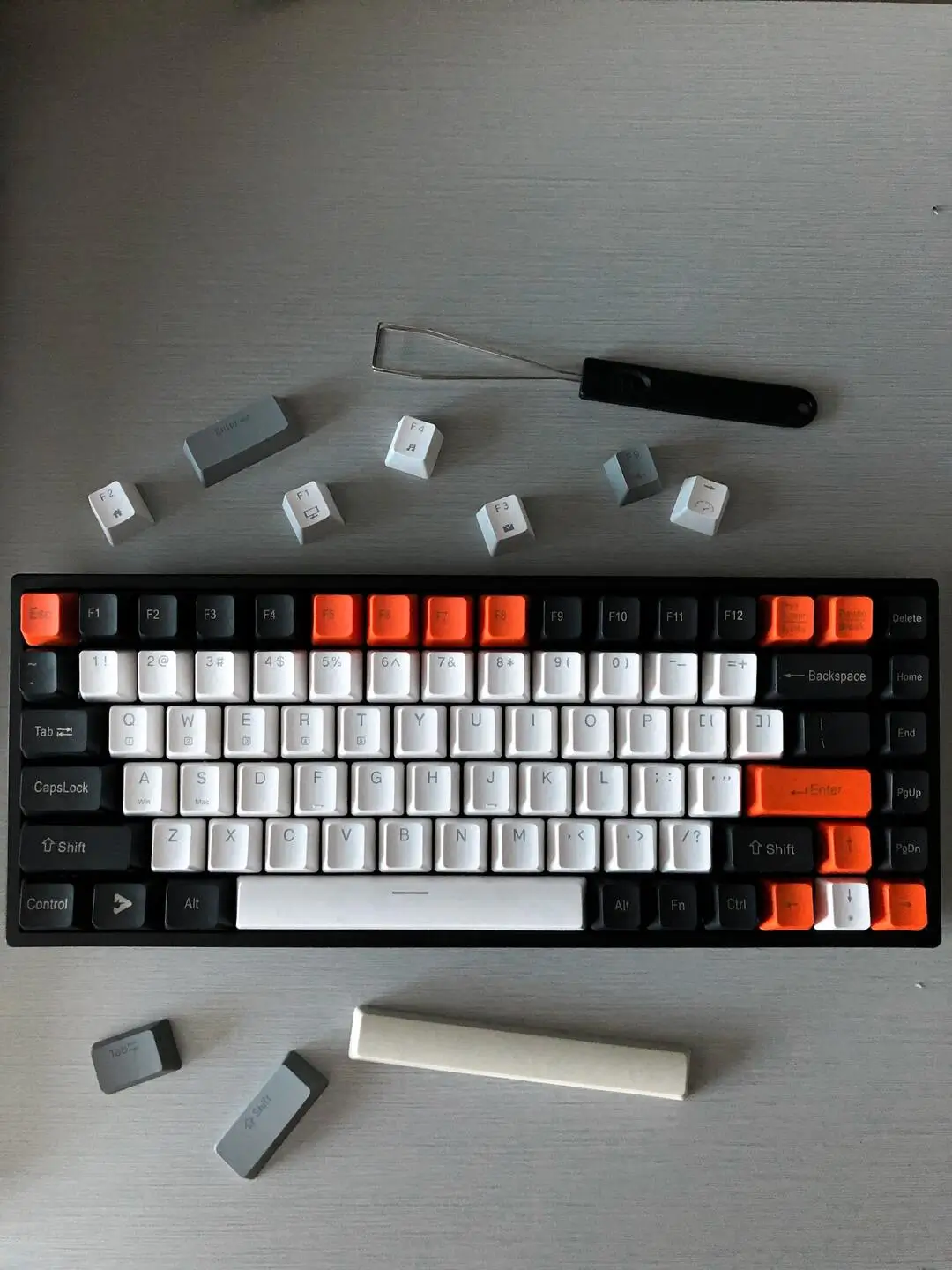
Choose compatible keycaps
Check keycap stem, layout coverage, key sizes, profile, material, and legends in the right order before buying a set.